That dull ache that creeps into your lower back around hour three of your workday isn’t your imagination, and it isn’t something you just have to live with. Sitting puts more pressure on your spinal discs than standing does, and most office chairs do very little to support the natural curve of your lower back. The result is a slow slide into slouched posture, tight hips, and that familiar, nagging ache by late afternoon.
The good news is that lumbar support isn’t about buying one magic product. It’s a combination of how you sit, how your workstation is arranged, and how often you get out of the chair. Let’s go through what actually helps.
Why Sitting Is Harder on Your Back Than You Think
Your lower back, or lumbar spine, has a natural inward curve. When you sit without support, that curve tends to flatten or even reverse, especially if you lean forward toward a screen. Over hours, this pulls on the muscles and ligaments that stabilize your spine and can leave you feeling stiff, achy, or tight across the lower back and hips.
This is made worse by how little most desk chairs do to help. Many office chairs are flat or only mildly contoured, which leaves your lower back unsupported unless you consciously sit up straight — something almost nobody does for eight hours straight. Add in a desk that’s too high, a monitor that’s too low, or a habit of perching on the edge of your seat, and your back is working against gravity all day long.
What “Lumbar Support” Actually Means
Lumbar support simply means keeping that inward curve of your lower back gently maintained while you sit, rather than letting it collapse. You can get this from a chair’s built-in lumbar adjustment, a separate cushion, or even a rolled-up towel wedged between your lower back and the chair.
The goal isn’t to force your back into a rigid position. It’s to give the curve something to rest against so your muscles aren’t working overtime just to hold you upright. If you’ve ever noticed that a long car ride feels easier with a small cushion behind your lower back, it’s the same principle at your desk.
Signs Your Lumbar Support Is Missing
- You catch yourself slouching or sliding forward in your chair within the first hour of sitting down.
- Standing up after a long stretch of sitting feels stiff, especially in the lower back.
- You instinctively lean on an armrest or desk edge to take weight off your spine.
Setting Up Your Desk to Protect Your Back
A few adjustments to your actual workstation often do more for back pain than any single product. Think of this as the foundation that support cushions build on top of.
Chair Height and Depth
Your feet should rest flat on the floor (or on a footrest) with your knees roughly level with your hips. If the seat is too deep, the backrest — and any lumbar support — won’t reach your lower back at all, no matter how good the chair is.
Monitor and Keyboard Position
Your screen should sit at roughly eye level, about an arm’s length away, so you’re not tilting your head down or craning forward. This matters for your lower back too: leaning toward a low screen shifts weight forward and undoes whatever support your chair is providing. We cover this in more depth in our guide to tech neck and screen strain, since neck and lower-back posture tend to break down together.
Add Support Where It’s Missing
If your chair’s built-in lumbar support is weak or nonexistent, a small cushion or rolled towel placed in the curve of your lower back can make an immediate difference. It doesn’t need to be elaborate — consistency matters more than the exact product.
Movement Is the Support Your Chair Can’t Give You
Even a perfectly supported chair can’t replace getting up and moving. Staying in any single position, even a good one, for hours at a time will eventually stiffen your back. A good general guideline is to stand, stretch, or walk for a few minutes every 30 to 45 minutes.
A few gentle options that work well at a desk:
- Standing hip hinge: Stand, place hands on your lower back, and gently lean backward to help ease the forward curve sitting creates.
- Seated spinal twist: Sitting tall, rotate your torso gently to each side to loosen the muscles around your spine.
- A short walk: Even a lap around the room or a quick coffee refill resets your posture and circulation.
If your mornings already start stiff before you’ve even sat down, it may be worth looking at how you’re sleeping, too. Our 5-minute morning stretch routine for desk workers is designed to loosen up the neck and upper back before the workday starts, and our guide to sleeping positions for lower back pain covers how nighttime posture carries over into how your back feels at your desk.
Supporting Recovery After a Long Workday
Desk posture and sleep posture are more connected than most people realize. If you spend eight hours in a position that stresses your lower back, your body needs genuine rest overnight to recover — and the wrong pillow setup can undo that recovery before it starts.
Our Nekrelief Pillow is designed to support proper neck and shoulder alignment overnight, which matters because tension often travels between the neck and upper back after a day of desk work. For side sleepers, our Knee Pillow can help keep the hips and lower spine aligned, taking pressure off the same lower back that’s been working all day in your chair. And if winding down and actually falling asleep is part of your struggle, our Silk Eye Mask is a simple addition to a calmer bedtime routine.
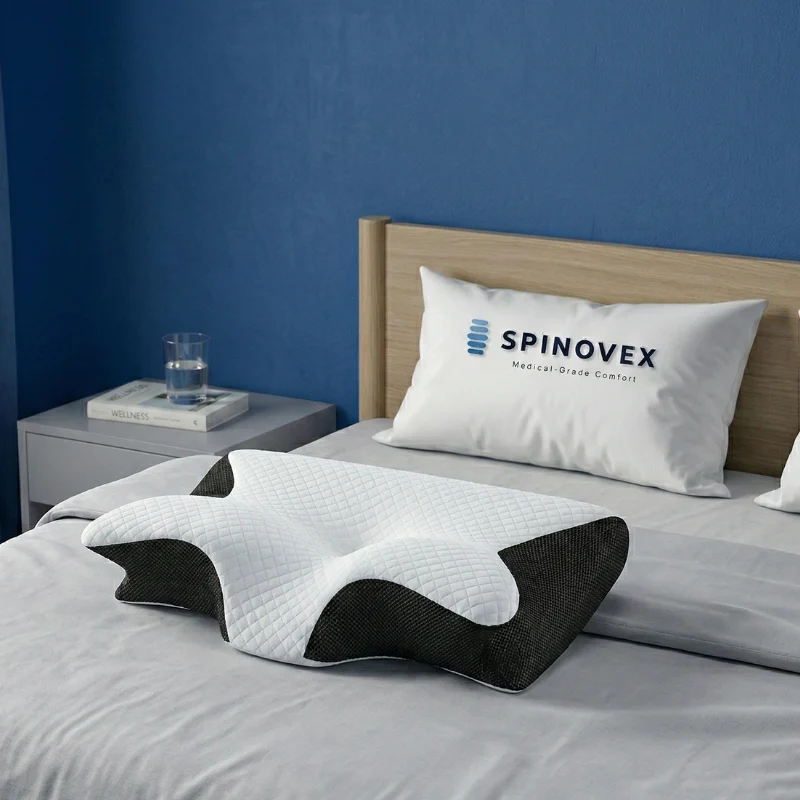
If you’ve been curious about a wedge pillow for extra upper-body or lumbar support while reclining, ours is back soon — worth checking back on if that’s a shape that’s worked for you before.
Spinovex orders over $100 ship free within the US, and every pillow comes with a 100-night trial, so you have real time to feel the difference before deciding if it’s right for you.
When Desk-Related Back Pain Needs More Than a Cushion
Most desk-related back discomfort responds well to better setup, more movement, and better sleep support. But pain that’s sharp, radiates down a leg, or doesn’t ease up with rest and posture changes is worth a conversation with a doctor or physical therapist. The same goes for pain that’s getting worse over time rather than better. A cushion can support good posture — it can’t diagnose or resolve an underlying issue.
Frequently Asked Questions
What’s the best lumbar support cushion for office chairs?
The best option is whichever one fits snugly into the curve of your lower back without pushing you forward out of the seat. A firm but slightly contoured cushion usually works better than something flat or overly soft, which can collapse under sustained pressure.
Can bad desk posture cause neck pain, too?
Yes — posture problems rarely stay isolated to one area. A slouched lower back often pushes the head and shoulders forward, straining the neck as well. Our guide to tech neck walks through how screen habits affect the neck specifically.
How often should I take a break from sitting?
Aim for a short standing or walking break every 30 to 45 minutes. Even two or three minutes of movement is generally enough to relieve pressure on the lower back and reset your posture.
Is a standing desk better for back pain than a seated one?
Standing desks can help by breaking up long periods of sitting, but standing all day creates its own strain. Alternating between sitting with good lumbar support and standing periodically tends to work better than committing fully to either one.
Your lower back doesn’t need a dramatic overhaul — just consistent support, a few posture adjustments, and regular movement throughout the day. Small changes at your desk now can make a real difference in how you feel by the end of the week, and by the time you lie down at night.
This article is for informational purposes only and is not medical advice. If you experience persistent, severe, or radiating pain or numbness, please consult a healthcare professional.